
Think Before You Click: Five Cybersecurity Habits That Matter More Than Ever
Cybersecurity can sound like something best left to the IT department. But these days, protecting your information is something all of us have a role in.
A scam might arrive as a text that appears to be from your financial institution, a phone call from someone who sounds like a family member, or an email that looks like it came from your employer. Artificial intelligence (AI) is making some scams faster and more convincing, and criminals don’t have to be technology experts to take advantage of it.
The numbers tell the story. The FBI received more than 1 million internet crime complaints in 2025, with reported losses exceeding $20 billion. That represented a 26% increase in reported losses from 2024.
So, what can you actually do about it?
Start with these five habits.
1. Turn on multifactor authentication

Even Gefferson uses Multi-Factor Authentication!
A password isn’t always enough. Multifactor authentication, or MFA, adds another layer of security by requiring a code, authentication app, fingerprint, or another form of verification before allowing access to an account.
The 2026 Verizon Data Breach Investigations Report found that credential abuse accounted for 13% of breaches, while exploitation of software vulnerabilities had become the leading way attackers gained access.
Do this: Turn on MFA for your email, financial, banking, shopping, and social media accounts. Start with the accounts that would cause the most trouble if someone else gained access to them.
2. Slow down when something feels urgent
A sense of urgency is one of a scammer’s favorite tools.

Slow down before delivering personal data!
“Your account will be closed.”
“You have an unpaid bill.”
“I need you to send money right now.”
Sound familiar?
AI is making some of these messages harder to spot. The FBI’s 2025 Internet Crime Report documented thousands of complaints involving AI-related information and reported significant losses tied to AI-enabled scams, including business email compromise.
Do this: Don’t click, reply, or send money simply because a message looks legitimate. Take a moment to verify it independently.
If someone asks for money, account information, passwords, or other sensitive information, contact them using a phone number or website you already know is legitimate. Don’t use the contact information included in the unexpected message.
And remember: a familiar voice isn’t proof of identity. Voice cloning can make a scammer sound like someone you know.
3. Give your passwords a fresh start
Using the same password everywhere is convenient, but it can also give criminals a shortcut into multiple accounts.
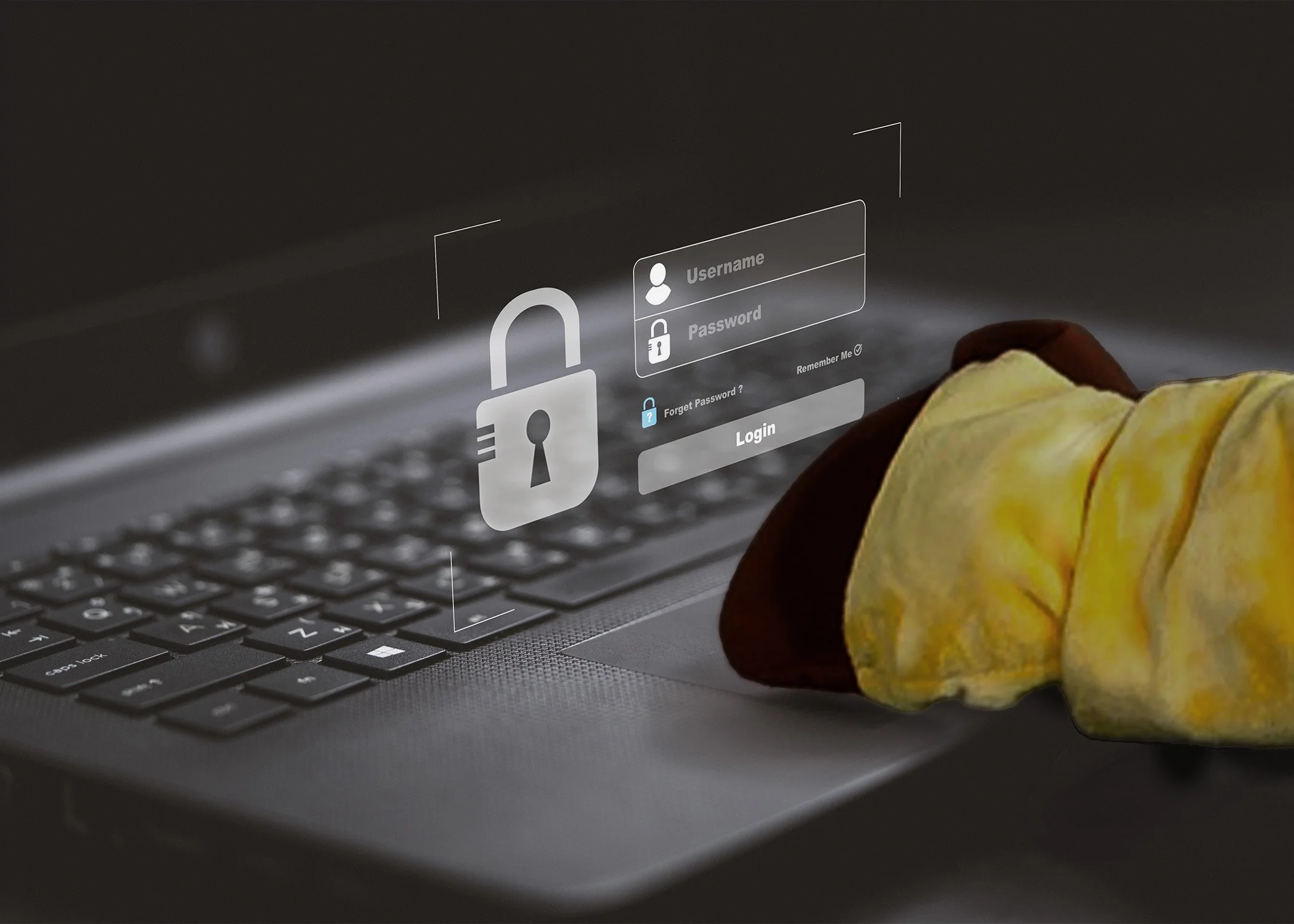
Always use a strong password!
Use a different, strong password for each important account. Consider using a password manager to help keep track of them, especially if you have a lot of accounts.
Do this: If you’ve reused passwords across multiple accounts, start making changes with your email and financial accounts. Never share your passwords or give your password to someone who contacts you unexpectedly.
A legitimate financial institution will not need you to provide your password in response to a suspicious phone call, text, or email.
4. Think before you share information with AI

Gefferson is cautious about what he shares, are you?
AI can be useful for writing, research, brainstorming, and everyday tasks. But convenience can come with a privacy cost.
The 2026 Verizon Data Breach Investigations Report found that AI use on corporate devices had increased, while unauthorized use of AI services created additional data-loss concerns. Sensitive information entered into an unapproved AI tool can potentially create a security risk.
Do this: Before putting information into an AI tool, stop and think about what you’re sharing.
Does it contain account numbers, passwords, financial information, confidential work information, personal identifying information, or anything else you wouldn’t want someone else to see?
If so, don’t upload it unless you know the tool is approved to handle that type of information.
5. Keep your devices updated
Those software update reminders may be annoying, but they’re there for a reason.
According to the 2026 Verizon Data Breach Investigations Report, exploitation of vulnerabilities was a leading way attackers gained access to organizations.
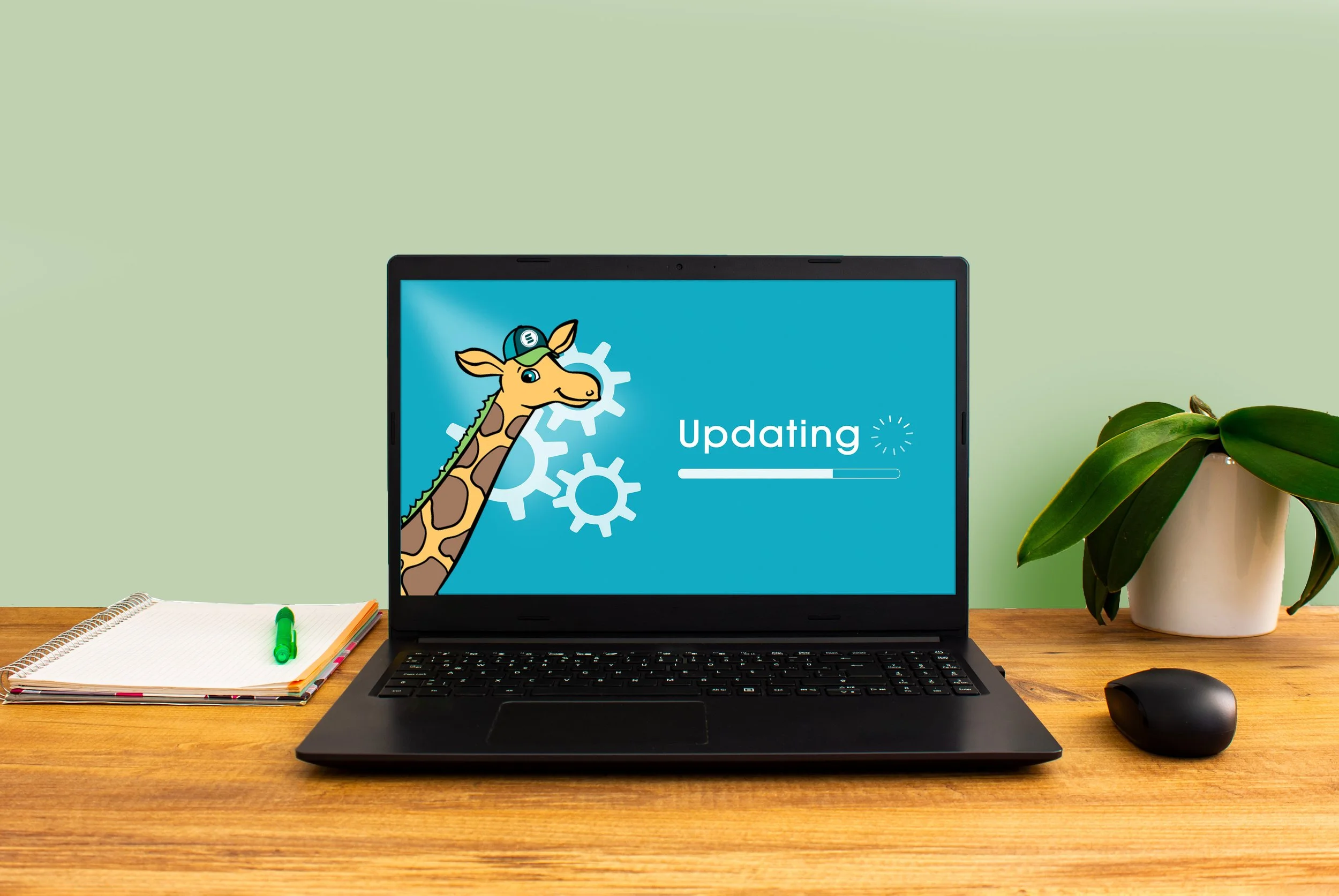
Keeping your phone, computer, apps, and other connected devices updated helps make sure you have the latest security protections available.
Do this: Install software and security updates promptly. Replace devices that no longer receive security updates.
And pay attention to warning signs. If you notice an unfamiliar transaction, compromised account, or other suspicious activity, act quickly. Contact your financial institution, change affected passwords, and report suspected fraud.
Your five-minute cybersecurity check
Take five minutes to ask yourself:
Do I use MFA on my most important accounts?
Do I use unique passwords?
Do I verify unexpected messages before clicking or responding?
Have I limited the personal or confidential information I share with AI tools?
Are my phone, computer, and apps up to date?
If you answered “yes” to all five, you’re off to a good start.
If you didn’t, that’s OK. Pick one and make the change today.
Small security habits can make a meaningful difference.
When something doesn’t look right, don’t wait
Even if you take every precaution, scams and identity theft can still happen. If you notice suspicious activity involving your Service One accounts or believe your personal information may have fallen into the wrong hands, contact us as soon as possible.
The sooner you recognize and report a problem, the sooner you can take steps to protect your accounts and limit potential damage.
At Service One Credit Union, we believe financial service should be personal. You’re not just dealing with a website or an automated system. You have a local credit union team you can turn to when you have a question or concern.
If something doesn’t look right, we’d rather you ask.
Helpful resources
For additional cybersecurity information and practical guidance, visit:
And remember: cybersecurity isn’t about being perfect. It’s about making it harder for someone else to get through the door, recognizing the warning signs, and knowing what to do when something doesn’t look right.
When in doubt, slow down, verify, and ask for help.